prisma push schema of collections or tables into remote DBMS
- aliases
- No value
- tags
- prisma/cli
- description
- No value
- links
- docs/index/0180 Prisma 🌈
- status
- No value
- project
- false
- area
- false
- resource
- false
- title
- prisma push schema of collections or tables into remote DBMS
- created
- 2025-03-04T15:08:35
- updated
- 2025-03-04T16:17:30
- 관련 ChatGPT 대화링크 : https://chatgpt.com/share/67c69baf-5394-8012-9772-f59ff44a4625
- 관련 prisma 문서: Choosing db push or Prisma Migrate
🔹 1. Check .env File
Ensure that your .env file contains the correct DATABASE_URL:
DATABASE_URL="mongodb+srv://username:password@cluster.mongodb.net/dbname?retryWrites=true&w=majority"
- Ensure there are no spaces before or after
=inDATABASE_URL. - Replace:
username→ Your MongoDB usernamepassword→ Your MongoDB passwordcluster.mongodb.net→ Your MongoDB Atlas clusterdbname→ The database name you want to use
🔹 2. Ensure .env is Loaded Properly
Run:
echo $DATABASE_URL
or, if using Windows:
echo %DATABASE_URL%
- If empty, Prisma is not loading your
.envfile. - Try manually setting it before running Prisma commands:
export DATABASE_URL="mongodb+srv://username:password@cluster.mongodb.net/dbname?retryWrites=true&w=majority"
npx prisma db push
For Windows PowerShell:
$env:DATABASE_URL="mongodb+srv://username:password@cluster.mongodb.net/dbname?retryWrites=true&w=majority"
npx prisma db push
🔹 3. Manually Load .env File
If Prisma is not picking up the .env file, explicitly load it using dotenv-cli:
1️⃣ Install dotenv-cli:
npm install -g dotenv-cli
2️⃣ Run Prisma commands with .env:
dotenv -e .env -- npx prisma db push
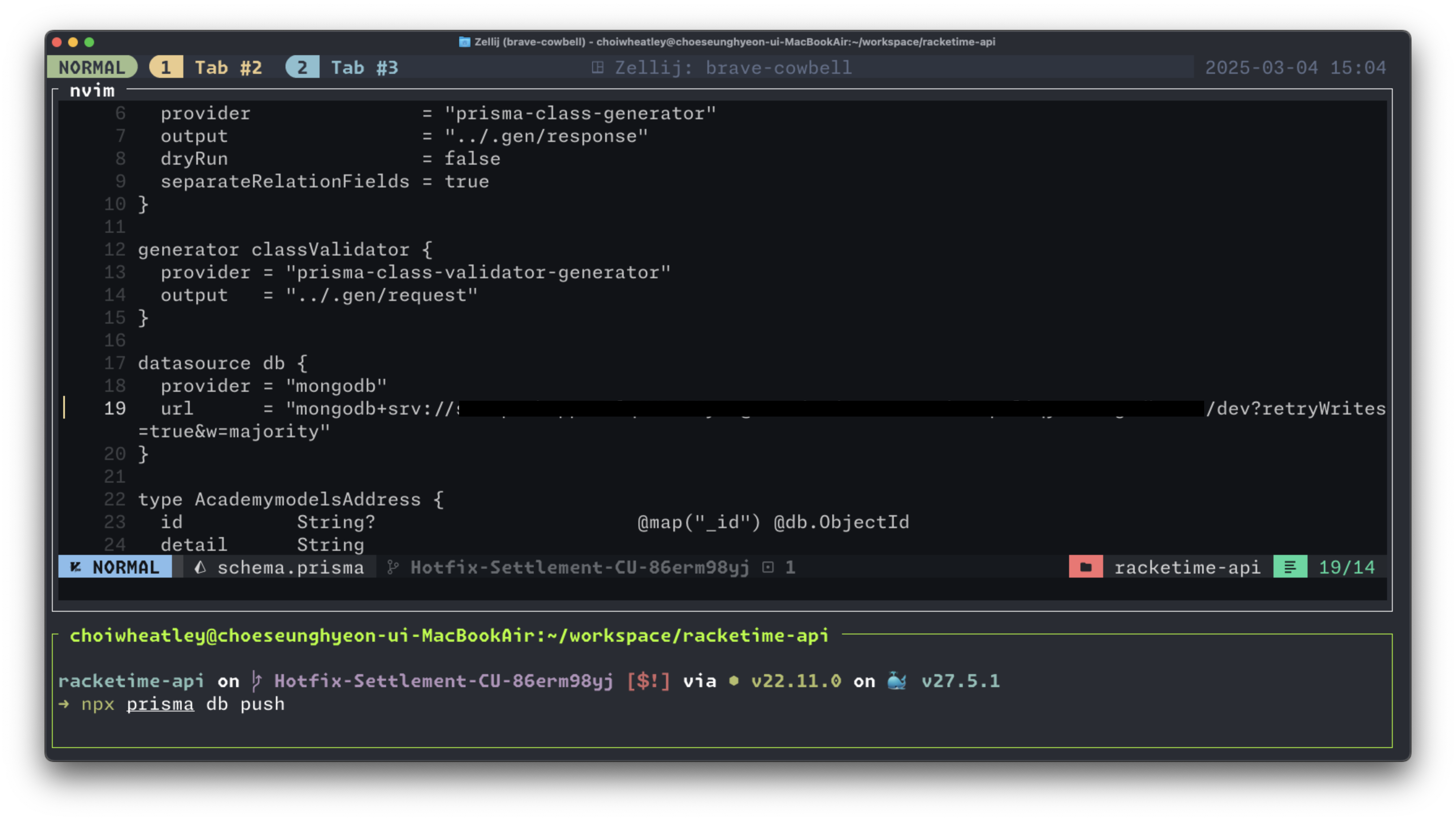
🔹 4. Check prisma/schema.prisma
Ensure your Prisma schema is correctly set up:
datasource db {
  provider = "mongodb"
  url      = env("DATABASE_URL")
}
🔹 5. Delete node_modules and .prisma Cache
Try clearing cache and reinstalling dependencies:
rm -rf node_modules/.prisma
rm -rf node_modules
npm install
npx prisma generate
npx prisma db push
🔹 6. Use --schema Flag
Explicitly specify the schema file:
npx prisma db push --schema=prisma/schema.prisma
🔹 7. Ensure MongoDB Atlas is Accessible
If using MongoDB Atlas:
- Whitelist your IP in MongoDB Atlas Network Access settings.
- Use SRV connection string (
mongodb+srv://...) for cloud MongoDB.
✅ Final Check
Try running:
npx prisma validate
This checks if Prisma can read the schema.
Then retry:
npx prisma db push
If the issue persists, let me know what you get from echo $DATABASE_URL and npx prisma validate. 🚀